
The demand for video content has exploded in the last few years. Brands, creators, agencies—even small businesses—are now relying on videos to grab attention, educate audiences, and drive conversions. But hiring professional video editors, voice-over artists, and animation experts can be expensive.
That’s where AI video creation tools come in. And among all of them, AvatarBuilder has gained huge popularity as a simple, one-time-payment platform that allows anyone to create animated 3D avatar videos without design or editing skills.
In this AvatarBuilder Review 2025, I will break down its features, pricing, pros & cons, real usage benefits, and how it compares to competitors—so you know whether it’s the right tool for your business.
Let’s dive in.
What is AvatarBuilder?
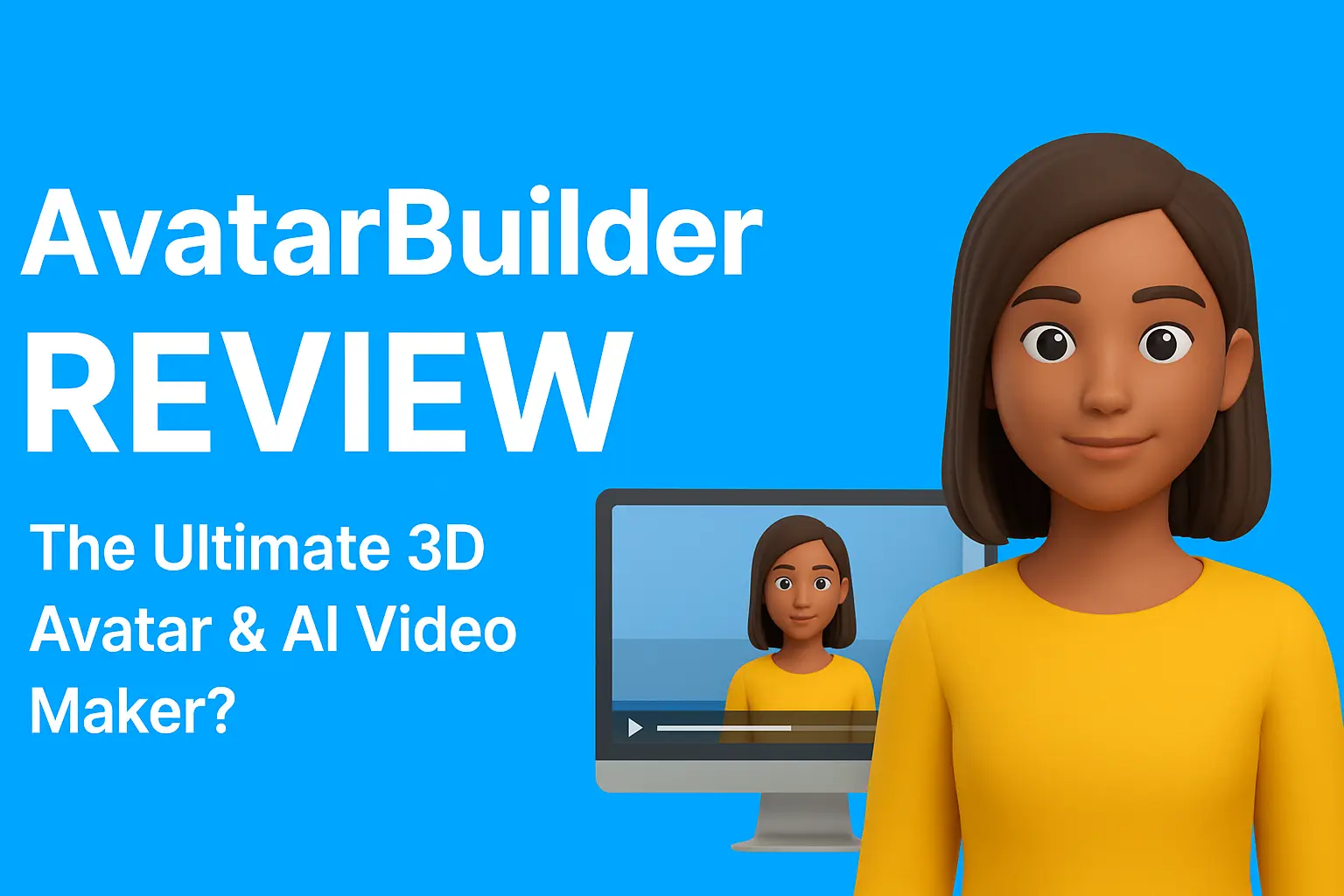
AvatarBuilder is a cloud-based AI video creation platform designed to help users make professional 3D avatar videos for marketing, education, business presentations, and social media content.
Unlike traditional video-editing software, AvatarBuilder is template-driven, meaning you can create a video simply by:
- choosing a 3D avatar,
- adding your script,
- customizing scenes,
- and rendering in HD.
The best part?
👉 No monthly fees.
AvatarBuilder offers a one-time payment model, which is a huge advantage compared to subscription-based platforms like Synthesia or Vyond.
With its multilingual text-to-speech engine, smart scene generator, and hundreds of templates, the tool is especially useful for marketers and freelancers who want to produce videos fast without hiring a whole production team.

AvatarBuilder Key Features
AvatarBuilder packs a lot of features into one platform. Here’s a detailed look at what you get.
1. Custom 3D Avatar Creator
One of the standout features is the ability to design your own 3D avatar.
You can customize:
- Face shape
- Skin tone
- Eyes, eyebrows, hair
- Clothing style
- Accessories
- Gender
- Branding elements
This allows you to create avatars that match your brand or represent your target audience. You can even add your logo to the avatar’s clothing, thanks to the platform’s unique logo-mapping technology.
This level of customization is rare in video tools—most platforms give ready-made avatars only.
2. AI Smart Scene Creator
If you want speed, you’ll love this feature.
Just paste your script, and the AI automatically:
- breaks it into scenes
- adds animations
- selects backgrounds
- chooses transitions
- inserts text boxes
- aligns visuals with voice-overs
This is perfect for users who want to create high-quality videos without spending hours planning scenes.
3. Text-to-Speech + Multilingual Voice Engine
AvatarBuilder supports dozens of languages, making it a powerful tool for global marketing campaigns.
Supported features include:
- Multiple accents
- Male & female voices
- Natural AI speech
- Voice pacing control
- Pitch control
- One-click translation
If you are targeting the USA, India, Middle East, Europe, or even multi-country campaigns—this is a HUGE advantage.
No need to hire expensive voice-over artists anymore.
4. Huge Template Library & Media Assets
AvatarBuilder includes:
- Ready-made marketing templates
- Explainer video templates
- Educational video templates
- Promo video templates
- Social media ad templates
- Business presentation templates
Plus:
You also get access to royalty-free images, videos, icons, background music, and more.
This means you can create different types of videos for various clients and industries without starting from scratch every time.
5. HD Video Rendering + Commercial Rights
Unlike free tools that put watermarks or limit video quality, AvatarBuilder allows you to export:
- HD 720p videos (clean, watermark-free)
- Unlimited number of renders
You also get a Commercial License, which means:
- You can sell videos to clients
- You can use videos for ads
- You can offer video creation as a service
For freelancers, agencies, and marketers, this alone is worth the one-time cost.
How AvatarBuilder Works (Step-by-Step)
Here’s how to create a full video using AvatarBuilder:
Step 1: Choose Your Avatar
Browse the character library or build a custom avatar from scratch.
Step 2: Pick a Video Template
Choose from hundreds of ready-made scenes depending on the industry and purpose.
Step 3: Add Your Script
Paste your script or write directly inside the editor.
Step 4: Select Voice & Language
Choose from a wide variety of AI voices or upload your own voice-over.
Step 5: Customize Scenes
You can modify:
- backgrounds
- text
- animations
- elements
- transitions
- media
- branding
Step 6: Render in HD
Click export and let the system generate the final video.
In less than 10–15 minutes, you get a professional, ready-to-use animated video.
Who Should Use AvatarBuilder?
AvatarBuilder works best for:
✔ Digital Marketers
Perfect for social ads, product demos, brand videos, and landing pages.
✔ Small Business Owners
Affordable alternative to hiring video production teams.
✔ Content Creators & YouTubers
Use avatars to build faceless channels or educational content.
✔ Freelancers & Agencies
Sell video creation as a service—unlimited renders mean unlimited income potential.
✔ Educators & Coaches
Make training, tutorials, and explainer videos quickly.
✔ Global Businesses
Create local-language videos for multiple countries from one dashboard.
AvatarBuilder Pros & Cons
Here’s an honest breakdown.
Pros
✔ Very easy to use — beginner-friendly
You don’t need video editing experience.
✔ One-time payment — no subscription fees
Long-term cost savings.
✔ Unlimited video rendering
Create as many videos as you want.
✔ Hundreds of templates + animations
Great for agency work and client projects.
✔ Powerful multilingual engine
Perfect for global audiences.
✔ Commercial license included
Sell videos and keep 100% profit.
✔ Fast video creation
AI handles most of the work for you.
Cons
✘ No 4K export
Videos export in HD, not ultra-HD.
✘ Avatars are not hyper-realistic
More cartoon-style compared to high-end AI avatar tools.
✘ Rendering depends on server load
During peak times, it may take longer.
✘ Limited advanced editing
Great for marketing/explainer videos, but not long cinematic projects.
Overall—the pros strongly outweigh the cons for marketers, creators, and small businesses.
AvatarBuilder Pricing (2025)
AvatarBuilder uses a one-time price model, which is rare for video creation tools.
Typical pricing:
- Front-End (Main Offer) – One-time fee
- OTO Upgrades – Optional, depending on needs
- Commercial License included
Compared to competitors like:
- Synthesia → $30/month
- Vyond → $49/month
- Animaker → $39/month
AvatarBuilder is far more affordable long-term.
If you plan to make videos regularly or sell them to clients, this tool pays for itself quickly.
Get AvatarBuilder For A low
One-Time Price
AvatarBuilder Alternatives
Let’s compare AvatarBuilder to similar tools:
1. Synthesia
- Very realistic avatars
- Subscription-based
- More expensive
- Less customization
Better for corporate training, but not budget-friendly.
2. D-ID
- Realistic face animation
- Great for talking photos
- Not a full video editor
Good for simple talking-head videos.
3. Vyond
- High-quality cartoon animations
- Great character animations
- Expensive monthly fees
Best for agencies but costly.
4. Animaker
- Versatile tool
- Good for explainer videos
- Limited realistic avatars
Better for 2D animation lovers.
Overall Comparison
| Tool | Avatar Style | Pricing | Best For |
| AvatarBuilder | 3D customizable | One-time | Marketers, beginners, agencies |
| Synthesia | Realistic AI humans | Expensive | Corporate training |
| D-ID | Talking photos | Mid-price | Short messages |
| Vyond | Cartoon animation | High | Agencies |
| Animaker | 2D animation | Mid | YouTube & animated content |
AvatarBuilder wins for: affordability + marketing features + unlimited renders.
Real Results: What You Can Create
With AvatarBuilder, you can easily create:
- Explainer videos
- Marketing ads
- Product demo videos
- Training videos
- Social media shorts
- Tutorial videos
- Presentation videos
- Faceless YouTube content
The templates and AI engine give a clean, professional feel to any project.
Final Verdict: Is AvatarBuilder Worth It?
If you want a simple, cost-effective, and powerful tool to create video content—yes, AvatarBuilder is 100% worth it.
Best for:
- marketers
- freelancers
- agency owners
- small business owners
- content creators
- educators
When to avoid:
If you need 4K videos or highly realistic human avatars, then premium tools like Synthesia might be better.
Final Thoughts
AvatarBuilder gives you the perfect balance of:
- ease of use
- affordability
- features
- unlimited rendering
- commercial rights
It’s one of the best tools in the market for producing 3D avatar videos fast without hiring expensive designers or editors.
If you want an AI video tool that pays for itself quickly—AvatarBuilder is a smart investment.
Try AvatarBuilder Today – Create Stunning 3D Avatar Videos in Minutes!
Ready to create professional videos without hiring editors or designers?
AvatarBuilder gives you 3D avatars, AI voices, templates, and unlimited video renders — all for a one-time price.
👉 Perfect for marketers, freelancers, agencies & small businesses
👉 Multilingual AI voices + Smart Scene Creator
👉 No monthly subscription — pay once, use forever
🎯 Boost engagement, increase conversions, and stand out with AI videos!
👉 Click Here to Get Instant Access to AvatarBuilder
