
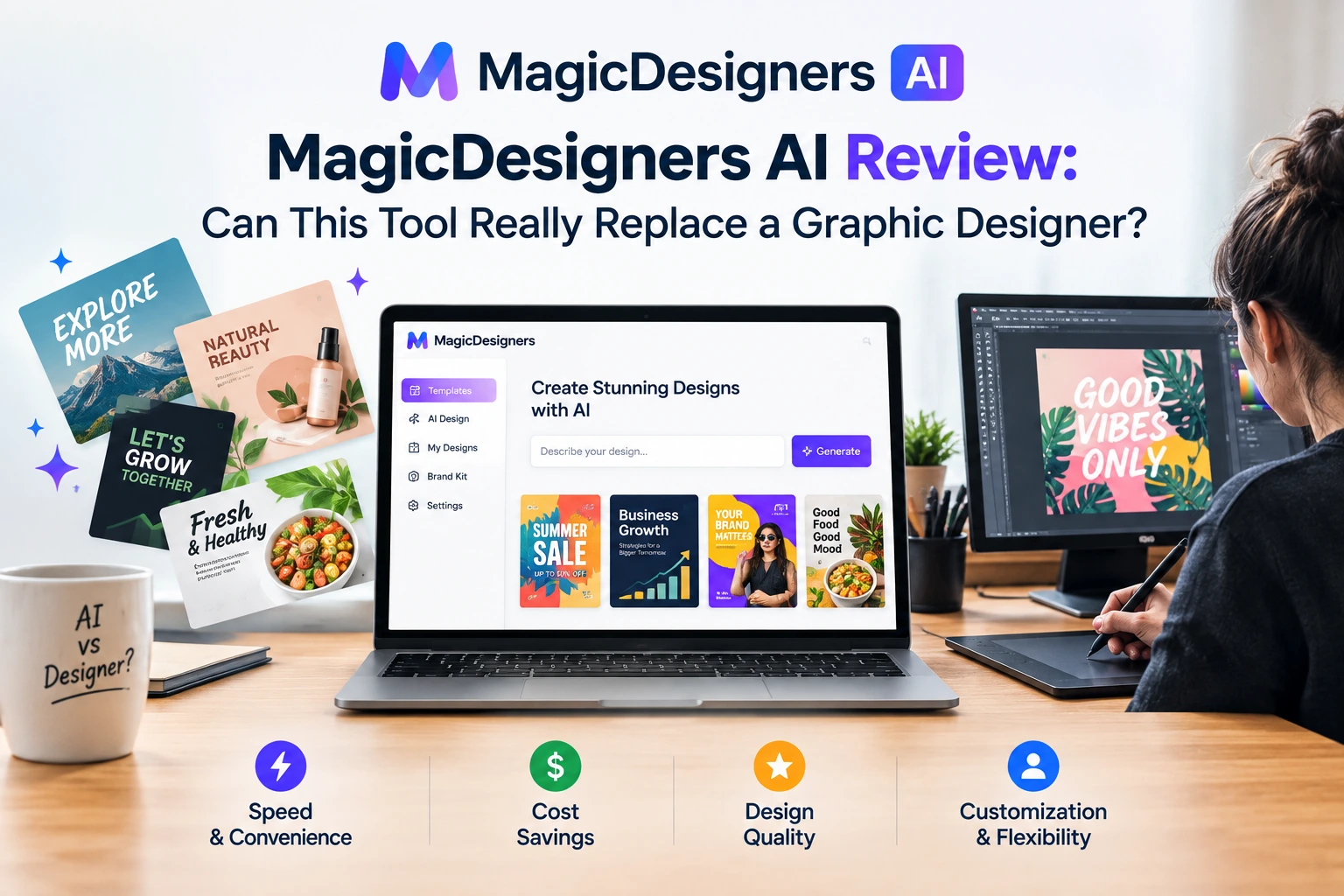
If you’ve ever spent hours in Canva or paid $50 for a simple social media graphic on Fiverr, you’ll get why MagicDesigners AI caught my attention.
It promises to create logos, social posts, product mockups, and even memes — all with just a simple prompt. No design skills. No templates to wrestle with. Just tell it what you want, and it spits out ready-to-use graphics in seconds.
So… is it legit or just another overhyped AI tool?
Let’s break it down.
On this Content
What Is MagicDesigners AI?
MagicDesigners is an AI-powered design assistant that helps you create almost any kind of visual content — fast.
Instead of picking a template and editing it (like with Canva), you just describe what you need:
“Create a modern logo for a coffee brand with minimalist brown and cream tones.”
And in seconds, it gives you multiple designs to choose from. That’s the magic.
What Can It Actually Do?
Here’s what I liked (and used) the most:
AI Design Experts
You choose from different “AI designers” — one for logos, one for illustrations, another for memes, product shots, and so on. Each one is trained to do that specific type of content really well.
Built-in Editing Tools
Once your design is generated, you can tweak it inside the app. It’s got:
- Background remover
- Image upscaler
- Layer-based editor
- Text customization
Not Photoshop-level control, but more than enough for everyday use.
Templates and Mockups
There’s a massive library of mockups (T-shirt previews, product boxes, book covers), plus social media templates you can personalize and schedule to post — if you grab the Social Automation upgrade.
How Much Does It Cost?
This is what makes it really appealing — it’s a one-time payment, not a monthly subscription.
| Plan | Price (One-Time) | Best For |
| Basic | $37 | Try it out, limited features |
| Plus Unlimited | $67 | Best value — unlimited design generations |
| Studio/Agency | $47–67 | For mockups or client work |
| Social Automation | $47 | Schedule posts from inside the platform |
No recurring fees. You pay once and you’re in.
Pros and Cons
What I Liked
- Very fast — designs in 15–30 seconds
- Simple interface — no learning curve
- One-time pricing
- Great for solopreneurs, creators, and marketers
What’s Not Perfect
- No mobile app (yet)
- Editing tools are basic
- AI output can be hit-or-miss with vague prompts
Is It Worth Buying?
Yes — if you make content or run a business online.
It’s not a full replacement for a professional designer. But it is a great shortcut for:
- Social media visuals
- Affiliate creatives
- YouTube thumbnails
- Quick logos or branding
- Product mockups
If you’re trying to move fast and save on design costs, MagicDesigners is a solid investment.
Bonus: Affiliate Bundle (Optional)
If you grab MagicDesigners through our link, I’ll include:
- A set of 100 Canva templates (for social posts & carousels)
- A private Prompt Vault for better AI results
- A guide: “How to Monetize AI Design Tools as an Affiliate”
Get MagicDesigners + our bonus bundle here (affiliate link).
Final Thoughts
MagicDesigners AI isn’t for everyone. If you need full creative control, stick with Adobe or Figma.
But if you:
- Post content frequently
- Promote products online
- Run a small business
- Need quick, professional visuals
…this tool can seriously cut your design time and costs.
